Architecture / buying decision
Next.js template vs boilerplate vs UI kit: choose the right layer
A decision framework for choosing a Next.js template, full-stack boilerplate, UI kit, or component library without paying twice for the wrong abstraction.
- 01
Templates solve finished-page and visual-system work; boilerplates solve application infrastructure.
- 02
UI kits and component libraries maximize flexibility but leave product assembly and differentiation to you.
- 03
Choose the layer that removes your project’s largest uncertain block, not the option with the longest feature list.
The names overlap because sellers describe outcomes, not boundaries
A Next.js template is usually a set of finished routes and visual patterns. A boilerplate usually establishes application infrastructure such as authentication, billing, organizations, email, persistence, and deployment conventions. A UI kit provides designed primitives. A component library provides behavioral primitives. Marketplaces blur these labels because “complete starter” sounds better than “one layer of the system.”
That ambiguity becomes expensive after purchase. A founder expects a template to include a working account model; a designer expects a boilerplate to include a distinctive public experience; an agency expects a UI kit to include production-ready flows. All three can receive technically good source and still feel misled because the boundary was never explicit.
Treat the category name as a hint, then inspect the actual routes, dependencies, runtime services, license, and unfinished decisions. The right product is not the one that claims to do everything. It is the one that removes the part your team is least equipped or least willing to build.
What each layer should remove
Use this as a contract checklist. A product may combine layers, but it should state exactly where one ends and the next begins.
| Option | Primary value | Usually includes | Usually excludes |
|---|---|---|---|
| Visual template | Finished page composition and a coherent visual language | Routes, responsive states, assets, motion, sections, and styling source | Your backend, domain model, production data, and third-party credentials |
| Full-stack boilerplate | Infrastructure and repeated application plumbing | Auth, billing, database patterns, email, teams, deployment, and baseline UI | A differentiated art direction and industry-specific workflows |
| UI kit | Designed primitives and layout patterns | Buttons, forms, navigation, cards, tables, tokens, and sample compositions | A complete information architecture or connected customer journey |
| Component library | Reusable behavior and accessibility foundations | Documented components, APIs, states, and composition rules | Your product’s page hierarchy, copy, content, and final visual identity |
Choose from risk, not fashion
Start with the block most likely to delay launch, then add only the layers you truly need.
- 01Infrastructure risk
If authentication, payments, tenancy, or persistence is unknown, begin with a boilerplate.
- 02Interface risk
If accessible components and complex states are unknown, begin with a component library or UI kit.
- 03Differentiation risk
If the product looks generic or the experience is hard to communicate, begin with a strong visual template.
Seven questions that expose the real boundary
Ask these before downloading or buying. If the answers are buried, assume the missing work remains yours.
- 01
Which routes run today?
A route list is more useful than a component count. Separate fully authored pages from placeholders and examples.
- 02
Which services are real?
Identify whether auth, billing, email, database, and file storage are configured, mocked, or intentionally absent.
- 03
Where does data come from?
Static fixtures are appropriate for a visual template, but should not be confused with a production domain model.
- 04
What is the responsive contract?
Check dense tables, menus, long copy, keyboard focus, reduced motion, and widths between standard presets.
- 05
How opinionated is the system?
Strong art direction saves time when it fits and creates deletion work when it does not. Price that honestly.
- 06
What can be shipped commercially?
Confirm project limits, client use, end-product rules, redistribution restrictions, and asset licensing.
- 07
What changes after purchase?
Know whether downloads, updates, compatibility work, and support end, renew, or remain available indefinitely.
ORA is a visual product system, not a backend boilerplate
Its boundary is deliberate: a public product experience, internal commerce dashboard, growth routes, responsive behavior, and source. Authentication, databases, and production integrations remain yours.
Compare the complete Stunform template system ↗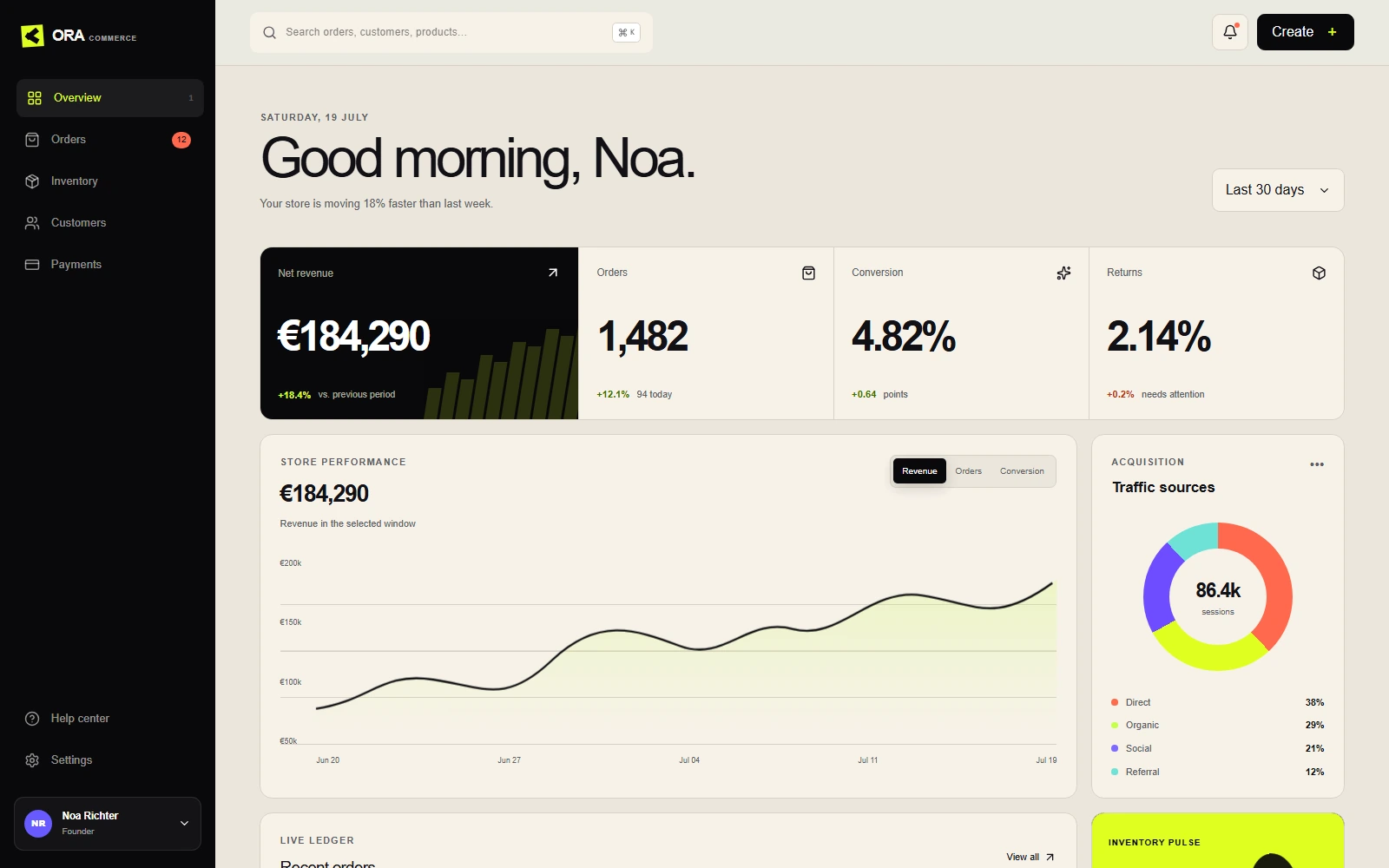
The cheapest purchase can create the most expensive integration
Cost is not the license price. It is the license plus deletion, adaptation, integration, verification, and maintenance. A free component library may be the lowest-cost path for a team with a mature product designer and established patterns. The same choice can be expensive for a solo founder who still needs to invent every page, state, and interaction.
The reverse is also true. Buying a highly opinionated visual system because its demo is exciting can be wasteful when your product already has a clear identity. You may spend days neutralizing the very quality that justified the purchase. A decision tool should make that adaptation cost visible rather than assuming every included feature is saved time.
Write down the next twenty deliverables in your actual launch. Mark which option finishes each deliverable, which merely starts it, and which makes it harder. That small exercise is a better buying guide than a hundred-feature comparison table.